Patient Journey
K-DIA Pre-Visit Messaging Helps Clinics Prepare Before Patients Arrive
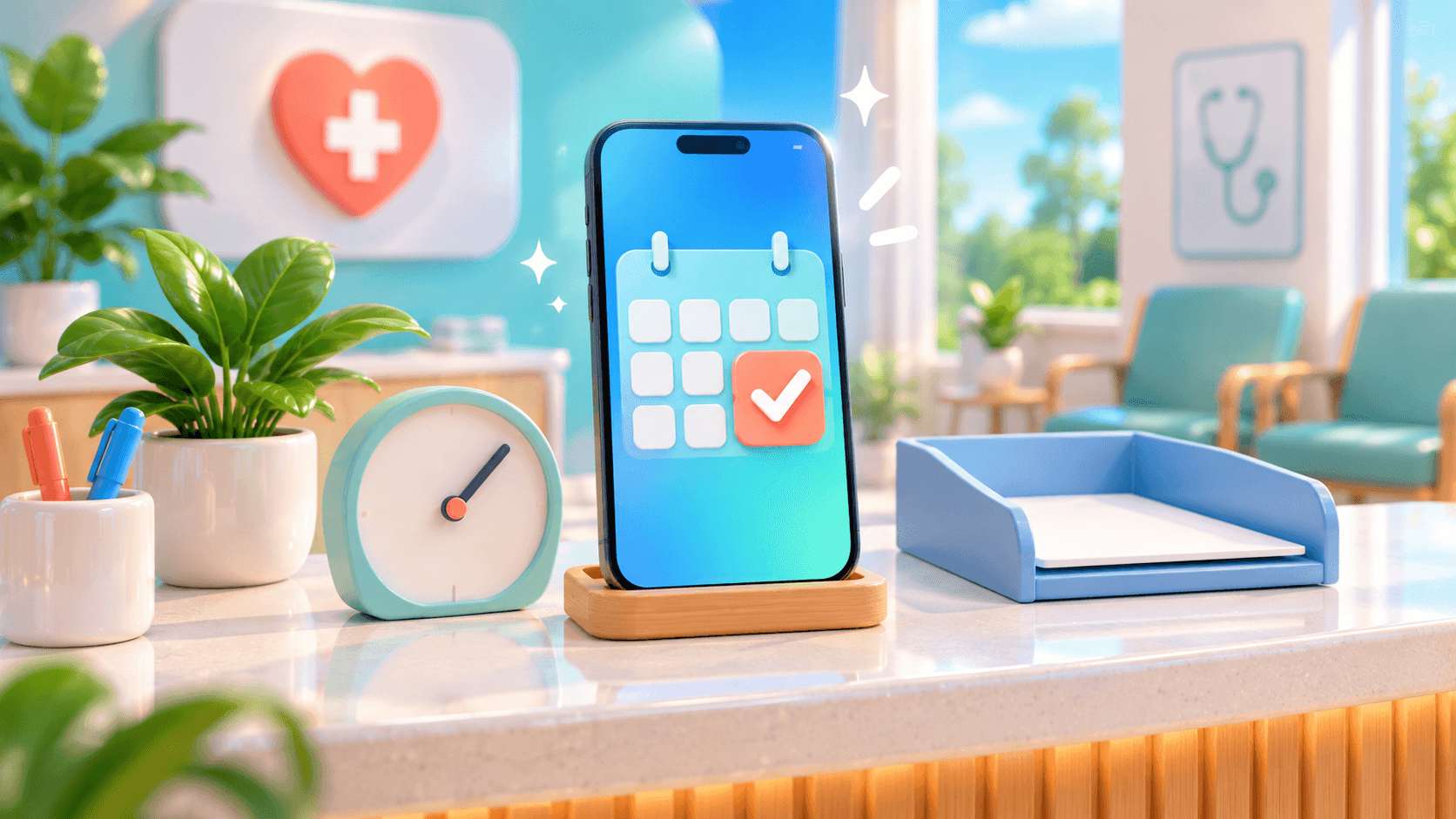
K-DIA, DIA/AD’s patient-and-clinic app, connects appointment booking, reminders and in-app messaging before a patient arrives. For clinic owners, that creates a practical opportunity: give patients clearer instructions while helping reception prepare for the visit.
Picture a patient booking at your dermatology, plastic-surgery or dental clinic. Through K-DIA, the next steps can include confirming appointment details, sharing directions and answering an administrative question before the patient reaches your desk.
The appointment starts a connected conversation
One-tap booking gives patients a straightforward way to begin their journey in K-DIA. Reminders help them keep the appointment in view, while in-app messaging gives them somewhere to ask about the arrangements surrounding it.
These capabilities serve different purposes. Booking establishes the planned visit; a reminder brings it back to the patient’s attention; messaging lets the clinic address details that a calendar entry alone cannot explain.
For an operator, the value lies in connecting those steps. Your team can use the appointment as the starting point for guidance about where to go, what reception needs and which questions still require a response.
The K-DIA patient-and-clinic platform brings these interactions into an app that also supports reviews, revisits, CRM and operational insight. Pre-visit communication becomes one part of an ongoing relationship with the clinic.
The World Health Organization frames digital health around using digital technologies to support health-related needs. That provides useful context for K-DIA’s operational role: supporting communication and coordination around the visit, without making claims about treatment outcomes.
Give patients the details they need before arrival
An appointment confirmation answers when the patient is expected. Pre-visit messaging can address the practical questions around that time: which entrance to use, where reception is located and what administrative information the clinic needs.
Consider a clinic inside a large building in Seoul. A patient may know the street address but still be uncertain about the floor or reception entrance. Sharing those details through K-DIA gives the patient guidance they can revisit before leaving.
Reception requirements deserve the same clarity. If your clinic requires particular documents or information, staff can explain those requirements in advance and give the patient an opportunity to ask about anything unclear.
Keep each message focused on a specific task. Directions should explain arrival; appointment details should confirm the arrangement; reception guidance should describe what the patient needs to prepare. Short, purposeful messages are easier to act on.
Table: How K-DIA supports preparation before a visit
| Patient need | K-DIA capability | Reception preparation |
|---|---|---|
| Arrange an appointment | One-tap booking | A planned visit to prepare for |
| Remember the arrangement | Appointment reminders | A prompt for patients to review their plans |
| Understand arrival details | In-app messaging | Directions and reception requirements shared in advance |
| Ask an administrative question | In-app consultation and messaging | An opportunity to clarify outstanding details |
| Navigate a language difference | Multilingual support | A basis for planning clearer communication |
These are workflow connections, rather than promises about attendance or staffing savings. Their usefulness depends on the guidance your clinic provides and how consistently the team handles incoming questions.
Turn patient questions into reception preparation
A patient’s pre-visit message can reveal an issue that would otherwise surface at check-in. They may be unsure which document to bring, need clarification about the location or want to explain that someone will accompany them.
K-DIA’s in-app messaging gives reception staff an opportunity to respond before arrival. It also gives them time to identify an unresolved question and prepare the appropriate follow-up within the clinic’s normal process.
For example, a patient might ask whether the information they have is sufficient for registration. Staff can explain the clinic’s requirement and flag anything that still needs to be checked when the patient arrives.
The useful outcome is a clearer state of preparation. The patient understands the next step, and reception knows which point remains open. A message exchange does not need to resolve every issue to make the arrival process better organized.
Clinics should establish who reviews incoming messages and how unanswered questions move between shifts. Those responsibilities belong to the operating workflow; the presence of a messaging feature alone does not assign them.
Prepare in advance and keep arrival checks in place
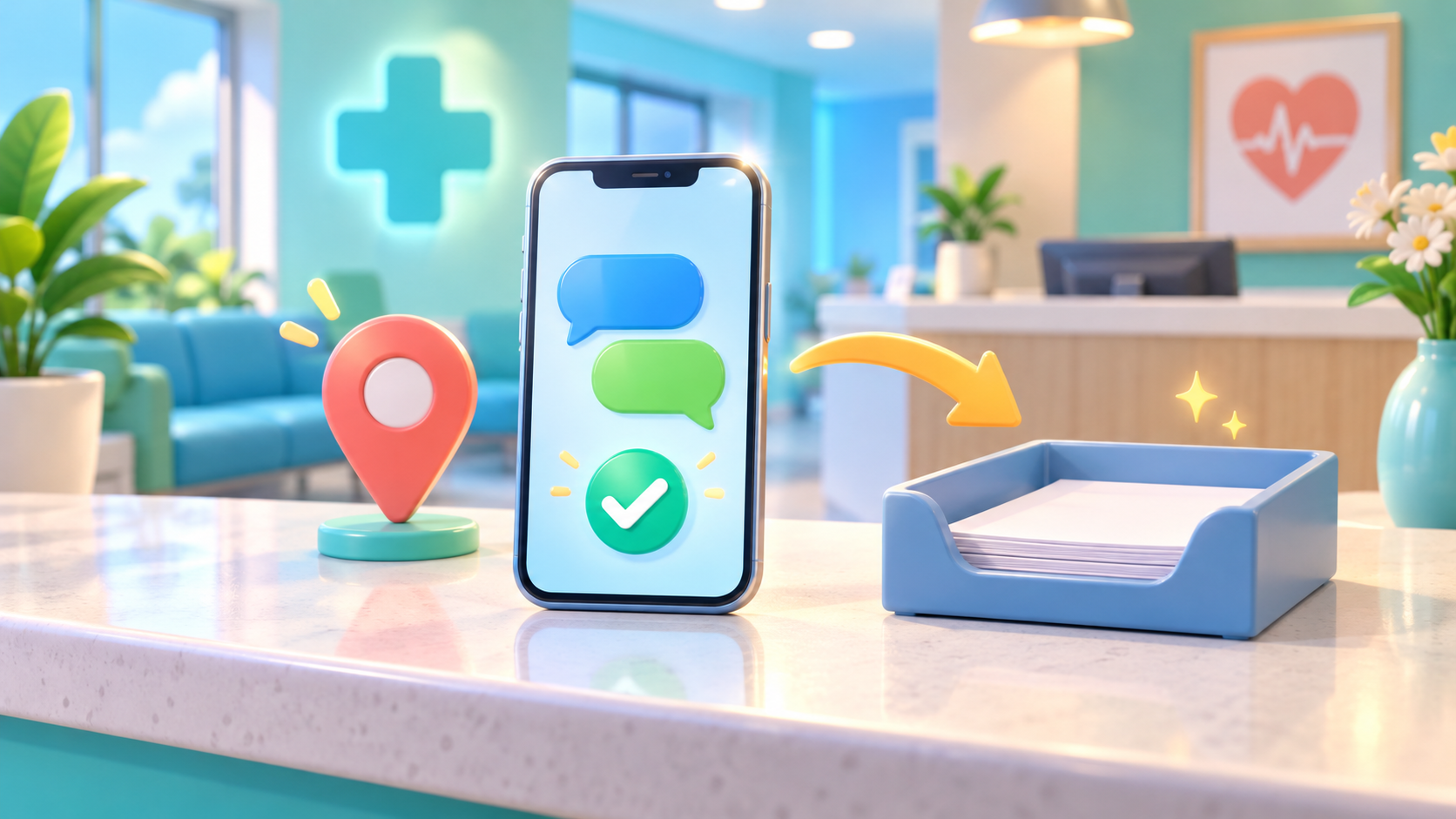
Pre-visit communication supports reception preparation. Necessary identity, documentation, consent and other arrival checks remain part of the clinic’s applicable workflow, even when the patient has already exchanged messages with staff.
A helpful way to use K-DIA is to distinguish information already explained from information still requiring verification. Staff can prepare for the latter without asking the patient to repeat every administrative question from the beginning.
Privacy also matters when deciding what to request in a message. Korea’s Personal Information Protection Commission provides policy and guidance relevant to personal information handling. Clinics should use that guidance when reviewing their communication practices for Korean operations.
Keep requests tied to a clear administrative purpose and follow the clinic’s approved handling procedures. Confirm appropriate access and handling arrangements during implementation rather than assuming that every type of information belongs in an app conversation.
For international patients, K-DIA’s multilingual support adds another useful layer to pre-visit communication. A clinic can plan how patients receive directions and reception guidance across languages, then confirm the supported languages and available scope during evaluation.
Medical-tourism operators should also clarify responsibilities between their coordination team and the clinic. Patients benefit from knowing who answers arrival questions and which requirements the clinic itself must confirm.
Use recurring questions to improve the next visit
Repeated questions offer a practical signal about the clarity of your guidance. If patients regularly ask about the entrance, appointment timing or reception documents, the clinic can review how those details are explained before arrival.
K-DIA’s operational data and insight capabilities place this work within a broader view of clinic activity. During evaluation, confirm which information is available and how staff can use it; avoid assuming that message topics are automatically classified or reported.
Start with questions your team actually encounters. Review whether an instruction is missing, difficult to understand or sent at an unhelpful point. Then revise the guidance and observe whether patients still need the same clarification.
Reminders and automated messaging settings also need confirmation. Before building a workflow around them, establish which triggers, timing options and message controls are available, along with which communications staff must handle directly.
This makes adoption concrete. The clinic is choosing how booking, reminders and messaging will support reception, who will manage the conversation and how recurring questions will inform clearer operating practices.
K-DIA gives clinic operators a connected starting point for that work. Through a K-DIA implementation consultation, you can review your pre-visit journey, confirm the available messaging settings and map the app’s capabilities to your reception needs.
よくある質問
What should we confirm when evaluating automated messages?
Confirm the available triggers, delivery timing, editing controls and staff responsibilities. Also establish which messages require a manual response before designing your workflow.
Can a medical-tourism coordinator use K-DIA for international patients?
K-DIA includes multilingual support. Confirm language coverage and the available coordination arrangements, including who answers patient questions and how clinic requirements are communicated.
How should staff handle a question that needs clinical judgment?
Route it through the clinic’s established clinical communication process. Reception staff should keep their replies within their authorized administrative role.
What is a sensible scope for an initial rollout?
Begin with appointment details, arrival directions and reception requirements. Confirm the relevant settings and assign responsibility for reviewing questions before expanding the workflow.
参考資料
関連記事
Patient Journey
How K-DIA Pre-Visit Messaging Sets Patient Expectations Before Arrival
See how K-DIA brings booking, reminders, multilingual messaging, reviews, revisit CRM and clinic insight into one pre-visit app flow.
Patient Journey
K-DIA: The App Patients Remember Before Your Clinic Phone Number
A practical look at how K-DIA brings booking, consultation, reviews, revisits and clinic insight into one patient-facing app.
Patient Journey
K-DIA Turns Consultation Inquiries into a Connected Booking Journey
See how K-DIA connects consultation, booking, reminders, reviews, revisit CRM, multilingual support and clinic insight in one patient app journey.