Data & Insight
After the Ad: Following Patient Inquiries Through K-DIA
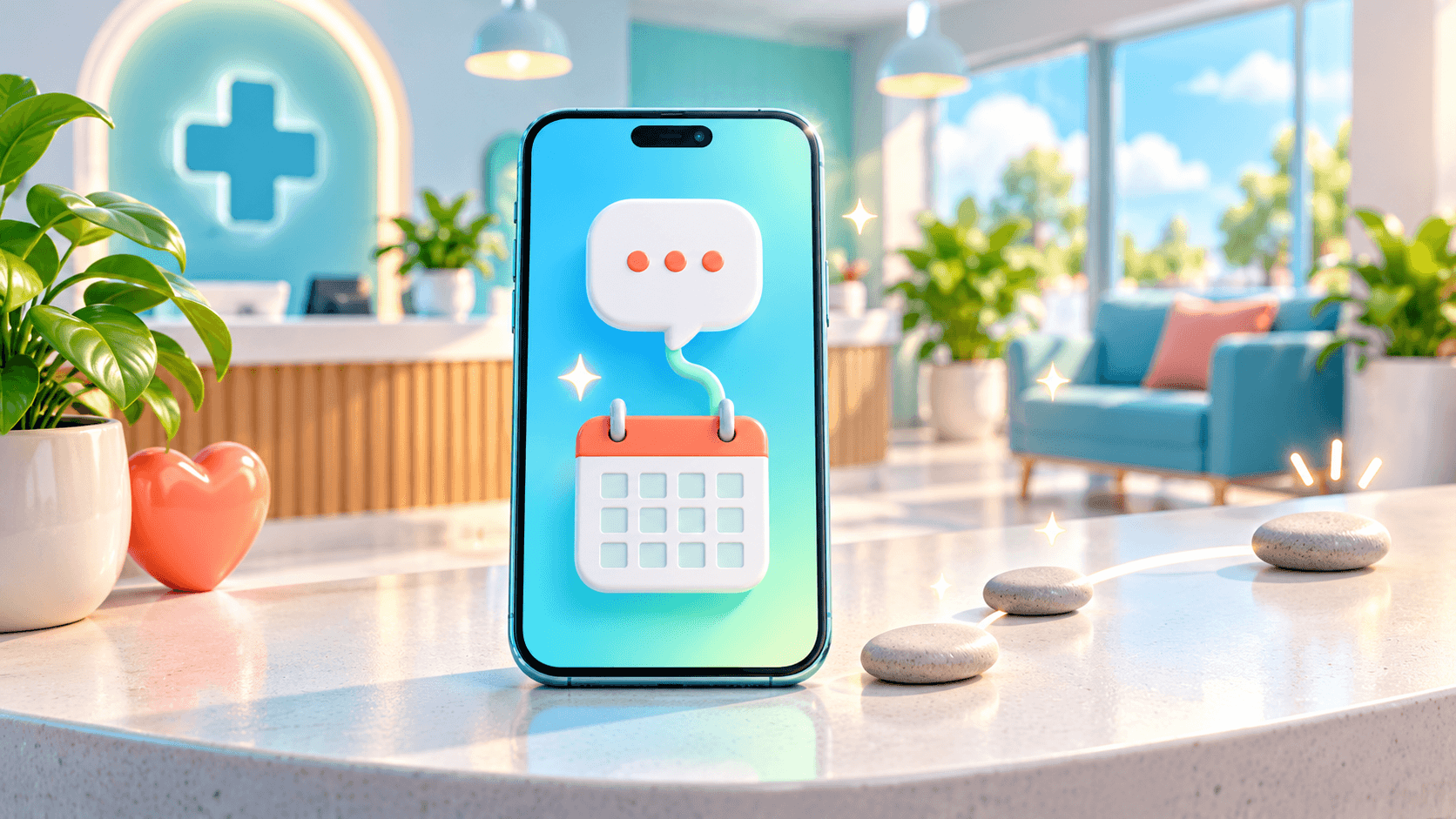
K-DIA is DIA/AD’s patient-and-clinic app, bringing consultation, booking, reviews and revisit management into one connected experience. For clinic owners, that everyday activity becomes a basis for operational insight.
Picture a prospective patient arriving after seeing an advertisement. With K-DIA, the next step can be an in-app conversation, followed by a one-tap booking and appointment reminders. Your team gains a clearer workflow to examine after the initial inquiry.
Give patient interest somewhere to go
An advertisement creates an introduction. The clinic still needs a practical way to answer questions and help the patient arrange an appointment. K-DIA provides those next touchpoints through in-app consultation and messaging, alongside one-tap booking.
For a dermatology, dental or plastic-surgery clinic, this makes the app relevant well before reception welcomes the patient. Someone asking about appointment availability can continue the conversation within the app and move toward booking when ready.
The operational value is concrete: consultation and booking belong to a connected patient experience. Staff can organize their response around the patient’s next administrative step, such as clarifying scheduling preferences or explaining appointment arrangements.
The World Health Organization places digital health within the broader development of health systems. That context supports a practical evaluation of K-DIA: look at how its digital touchpoints fit your clinic’s daily work, then establish what information your team can use.
Explore the K-DIA patient-and-clinic app with that journey in mind. The useful starting point is the interaction between the patient, the reception team and the appointment calendar.
Connect the conversation to a bookable next step
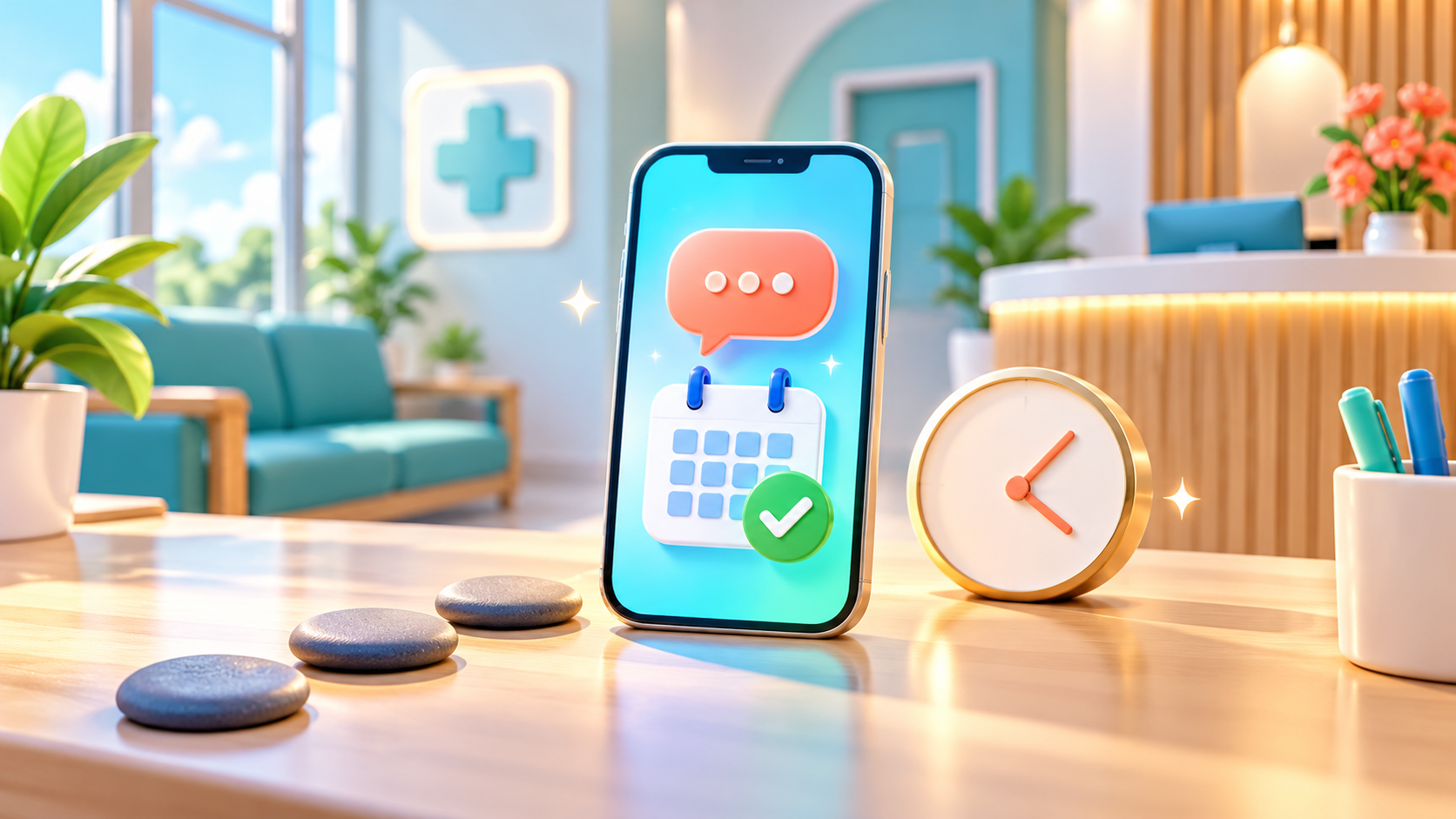
Consider a patient asking whether an appointment is available during a short visit to Korea. In-app messaging gives the inquiry a place to continue, while booking provides a clear action once scheduling questions have been resolved.
K-DIA’s one-tap booking and reminders support that transition. Booking lets the patient request the next step; reminders support communication around the scheduled appointment. Your team still needs clear procedures for confirmations, changes and cancellations.
For international clinics and medical-tourism operators, K-DIA’s multilingual support is another capability to evaluate. During onboarding, confirm the supported languages and which patient-facing interactions they cover, including consultation and appointment communication.
This is especially relevant when a coordinator helps arrange a visit. Establish who answers the patient, who handles scheduling questions and how the clinic takes over the conversation. The app provides touchpoints; the operating agreement gives those touchpoints clear ownership.
Table: How K-DIA supports the patient journey
| Patient stage | K-DIA capability | Operational purpose |
|---|---|---|
| Initial inquiry | In-app consultation and messaging | Give questions a place to continue |
| Appointment planning | One-tap booking | Provide a direct scheduling action |
| Before the appointment | Appointment reminders | Support communication about the booking |
| After the visit | Review collection | Create a patient feedback touchpoint |
| Ongoing relationship | Revisit management and CRM | Organize future patient communication |
Use activity data to investigate stalled inquiries
K-DIA turns everyday app activity into operational data and insight. For a clinic owner evaluating advertising follow-through, the useful question is where a patient’s inquiry stops progressing toward a booking.
Start by confirming which consultation and booking information the implementation makes available. Ask whether staff can examine individual stages, what each status means and how the available reporting presents activity. These details determine which questions the data can answer.
Suppose the available records show inquiries that have no subsequent booking. That observation gives your team a group of interactions to review. It does not, by itself, explain why those patients stopped.
Read the conversations alongside your response procedures. Were scheduling instructions clear? Did the patient receive an answer to an administrative question? Was a staff handoff left unresolved? These are operational questions your team can investigate without making assumptions about patient intent.
Use the findings to choose a specific process adjustment, such as clarifying the booking instructions sent after a consultation. Then examine later activity using consistent definitions. K-DIA provides evidence for that review; the team supplies context and judgment.
Keep bookings and attended visits separate
A booking records an appointment arrangement. Attendance records that a patient actually came to the clinic. Keeping those events distinct is essential when interpreting what happened after an inquiry.
During K-DIA onboarding, confirm how attendance is recorded, who updates it and which attendance information is available for review. Also establish how cancellations, rescheduling and missed appointments are represented in your agreed workflow.
This matters when a director asks how many inquiries eventually became visits. Booking information alone cannot settle that question. The answer depends on reliable attendance records and on whether the relevant data is available within the implementation.
Table: Questions to settle before interpreting activity
| Information | What it helps you examine | What to confirm |
|---|---|---|
| Consultation activity | How patient inquiries progress | Available records and status definitions |
| Booking activity | Which appointments were arranged | How changes and cancellations appear |
| Attendance records | Which scheduled visits took place | Recording method and data availability |
| Advertising information | The context of incoming interest | Source identification and any agreed integrations |
Give staff a shared understanding of these terms before comparing reports. A consistent recording routine makes the available information easier to interpret and helps the director distinguish a communication issue from a scheduling or attendance issue.
Extend the workflow to reviews and revisits
K-DIA’s role continues beyond the appointment. Review collection creates a feedback touchpoint, while revisit management and CRM help the clinic organize its ongoing patient relationship.
Plan those capabilities as part of the same operating workflow. Decide who manages review-related communication, who maintains patient contact information and who handles administrative follow-up for future appointments. Keep responsibilities clear across reception, coordinators and clinic management.
For clinics in Korea, the Ministry of Health and Welfare is an official reference for national health policy context. Alongside product evaluation, clinic owners should check which current requirements apply to their intended communications and information handling.
Keep the advertising boundary equally clear. Do not assume K-DIA automatically imports campaign spending, identifies every advertising source or calculates return on advertising spend. Confirm any integrations and reporting scope directly during the introduction process.
K-DIA gives a clinic connected touchpoints for consultation, booking, reminders, reviews and revisits, with operational insight drawn from everyday activity. A useful K-DIA implementation consultation starts with that patient journey and establishes exactly which workflows, records and reporting your clinic will use.
よくある質問
What should we bring to a K-DIA introduction meeting?
Bring an outline of how your team currently handles inquiries, appointment changes, attendance recording and follow-up. Include the roles of any external patient coordinators so the discussion covers the full workflow.
Can we evaluate K-DIA without connecting advertising accounts?
You can assess its consultation, booking, reminder, review and revisit workflows separately. Ask which operational insights are available in that setup and whether any additional integration is needed for your reporting goals.
What should a medical-tourism operator confirm about multilingual support?
Confirm the available languages, the interactions covered and how clinic staff and coordinators will handle patient communication. Do not assume every message or workflow is automatically translated.
Can K-DIA reports replace our attendance records?
Establish this during onboarding. Confirm how actual visits are recorded and reflected in the available data before using any report to assess attendance.
参考資料
関連記事
Data & Insight
K-DIA Gives Clinic Directors a Direct View of the Appointment Day
See how K-DIA connects patient bookings, messages, reviews and revisits with the operational information clinic directors need.
Data & Insight
K-DIA Insights: See Today's Schedule and Prepare for Next Week
Discover how K-DIA connects patient bookings and communication with operational insight, helping clinic owners review today's schedule and prepare for next week.
Data & Insight
How K-DIA Turns Busy Clinic Days Into Operational Insight
See how K-DIA connects booking, consultation, reviews, revisits, multilingual patient flows, and clinic data into one operating rhythm.